
Why Multi-Factor Authentication Isn’t Optional Anymore
In an era where cyberattacks are more sophisticated and frequent than ever, relying on a password alone to protect your business systems is no longer enough. Every day, usernames and passwords are stolen, leaked, or guessed, giving hackers an open door to sensitive information, financial data, and entire networks.
Enter Multi-Factor Authentication (MFA)—a simple yet powerful solution that’s quickly becoming non-negotiable for organizations of all sizes. If you’re still treating MFA as an optional security add-on, you’re putting your business at risk.
In this guide, we’ll break down what MFA is, why it’s critical for security in 2025 and beyond, and how implementing it can help protect your systems, your team, and your bottom line.
What Is Multi-Factor Authentication (MFA)?
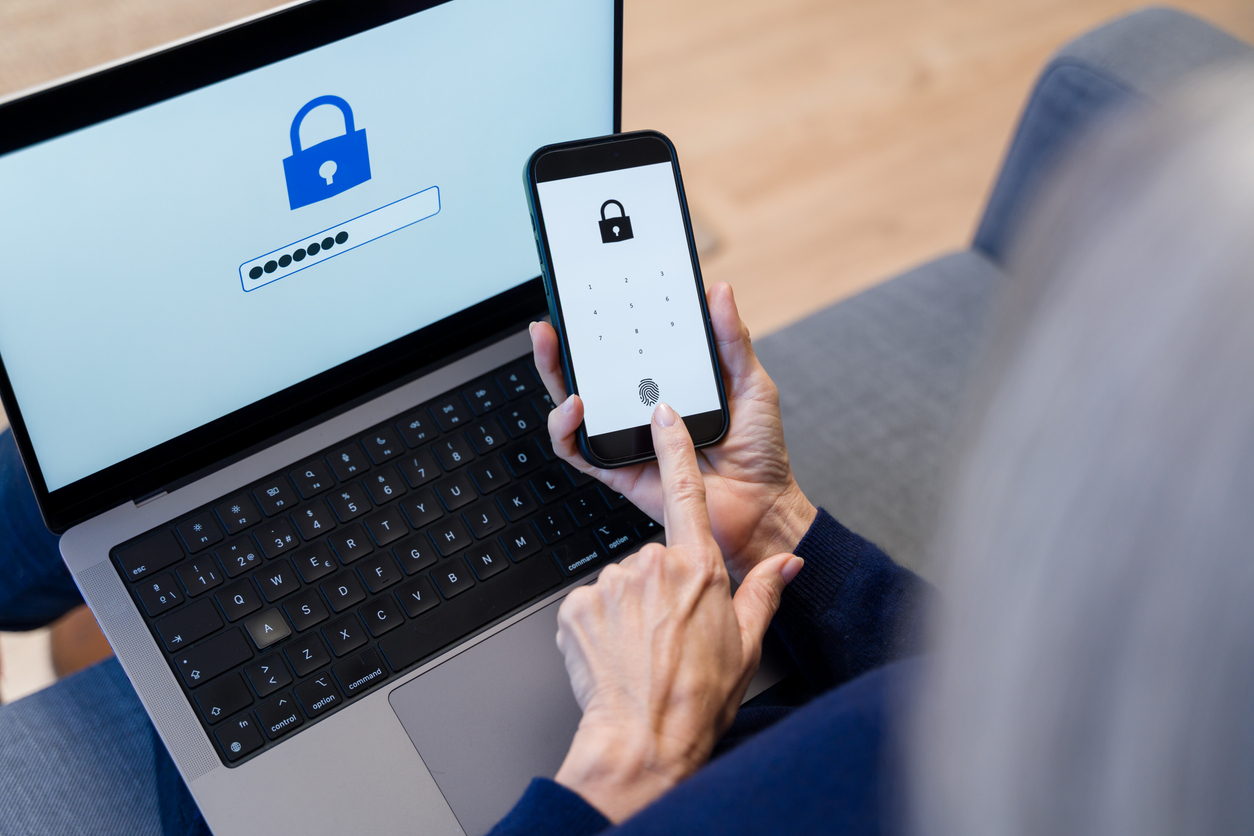
Multi-Factor Authentication (MFA) is a security system that requires users to provide two or more forms of identity verification before granting access to accounts or systems. It’s based on the concept of using:
- Something you know (password or PIN)
- Something you have (smartphone, security token, app)
- Something you are (fingerprint, facial recognition, voice ID)
By requiring more than just a password, MFA significantly reduces the chances of unauthorized access—even if a hacker has your password.
Why Passwords Alone Aren’t Safe Anymore
Despite the countless password policies, forced resets, and password managers, the truth is clear: passwords are weak on their own.
- Over 80% of data breaches involve compromised credentials.
- Employees often reuse the same passwords across multiple systems.
- Phishing scams trick users into revealing their login information.
- Passwords are frequently leaked on the dark web.
No matter how strong your password is, if it gets into the wrong hands, it’s game over—unless MFA is there to stop the attack.
The New Normal: Why MFA Is Now Essential
Whether you’re a large enterprise or a 10-person accounting firm, MFA is no longer optional—here’s why:
1. Cyber Threats Are Evolving Faster Than Ever
Cybercriminals now use AI to automate brute force attacks, steal credentials through convincing phishing emails, and launch ransomware attacks with greater efficiency. Even without advanced skills, bad actors can buy credential-stuffing tools on the dark web and launch an attack in minutes.
MFA stops them in their tracks by requiring an additional verification step they can’t bypass—like a unique code sent to your phone or a fingerprint scan.
2. Regulatory Compliance Requires Stronger Authentication
Across industries, regulators are raising the bar on data protection. Compliance frameworks like:
- PIPEDA (Canada)
- HIPAA (Healthcare)
- PCI-DSS (Payment data)
- GDPR (Europe)
…are either requiring or strongly recommending MFA for access to sensitive systems and information.
Non-compliance can result in hefty fines, legal repercussions, and loss of customer trust.
3. Remote and Hybrid Work Increases Risk
In the age of remote access, cloud applications, and BYOD policies, employees are logging in from everywhere. This distributed workforce expands your attack surface dramatically.
MFA ensures that only authorized users gain access, regardless of where they’re working from—even if their device or credentials are compromised.
4. MFA Is Now Easy to Implement and Use
Years ago, MFA might have been seen as clunky or inconvenient. Not anymore.
Modern tools like Microsoft Authenticator, Duo Security, Google Authenticator, and biometric logins have made the MFA process seamless:
- One-tap approvals
- Time-based one-time passcodes (TOTP)
- Push notifications
- Face and fingerprint recognition
User adoption is no longer a barrier—MFA is now fast, intuitive, and mobile-friendly.
5. Insurance and Cybersecurity Standards Demand It
Many cyber insurance providers now require MFA implementation as a prerequisite for coverage. If you suffer a breach and haven’t deployed MFA, your claim may be denied or your premiums increased significantly.
Likewise, cybersecurity standards like Zero Trust Architecture (ZTA) rely heavily on MFA for identity verification.
Real-World Example: MFA in Action
Consider this scenario:
A small legal firm receives an email that appears to be from Microsoft 365, prompting an employee to log in. The link leads to a fake login page, and the employee enters their credentials—now compromised.
However, because the firm had implemented MFA, the attacker was prompted for a second factor, which they didn’t have access to. The breach attempt was logged and blocked in real time. The firm was notified, the password was reset, and no damage occurred.
Without MFA, the attacker could have gained access to client records, legal documents, and financial data—leading to a major breach.
How to Roll Out MFA for Your Business
Deploying MFA across your organization doesn’t have to be complicated. Here’s a step-by-step approach:
1. Audit Your Current Systems
Identify where users log in—email, file sharing, CRM, HR systems, remote desktops, etc.
2. Choose Your MFA Method
Options include:
- Mobile app (authenticator apps)
- SMS or email codes (less secure)
- Hardware tokens
- Biometric devices
3. Work with an MSP for Seamless Integration
A Managed Service Provider (MSP) can configure MFA across all your systems, handle user onboarding, and monitor for issues.
4. Train Your Staff
Educate employees on:
- Why MFA matters
- How to use it
- What to do if their second factor is lost or compromised
5. Enforce MFA for Admin and High-Privilege Accounts First
Start with users who have access to critical systems or sensitive data.
Bonus Tip: Combine MFA with Single Sign-On (SSO)
To improve user experience and reduce login fatigue, combine MFA with SSO solutions like Okta, Azure AD, or Google Workspace. This allows users to log in once securely and access multiple applications—without sacrificing security.
Final Thoughts: MFA Is the New Minimum for Cybersecurity
In 2025 and beyond, multi-factor authentication is not a luxury—it’s a necessity. It’s one of the easiest and most effective ways to prevent data breaches, ransomware attacks, and unauthorized access.
Whether you’re securing cloud apps, email accounts, or remote desktop access, MFA offers an essential layer of defense that no SMB should operate without.
Need help implementing MFA in your organization? Contact Micro Computer Consulting Inc. today for a free consultation.
We’ll help you secure your accounts, train your team, and build a cyber-resilient business you can trust.



Client Testimonial
Why Choose Us?

Transform IT into a Profit Centre
Turning IT from a cost centre into a source of revenue.

ROI & Business Impact
Delivering measurable financial outcomes with IT investments.

Innovation Roadmap
Strategic planning incorporating AI, automation, and cloud solutions for a competitive edge.
Trusted by Many, Including These Companies
Our client list continues to grow-these are just some of the companies we have partnered with.


Call Us Today
Empowering businesses with cutting-edge IT solutions and services. Explore how Micro Computer Consulting Inc. can support your business growth.